Detect elevations
Elevation detection · model elevation-detector
/v1/drawings/detection/elevationDetect interior elevation regions in an architectural drawing PDF (document_id from POST /v1/documents), then poll GET /v1/jobs/{job_id}. Job model is elevation-detector.
Same async pattern as other drawing intelligence POSTs: X-API-Key auth; JSON body with document_id, optional page_numbers (1-based), optional webhook_url; immediate 202 with job_id, status: "queued", and poll_url. Webhooks run only on developer, pro, and enterprise (not free). This path is included in the tier-based RPM limiter with other job-submit POSTs.
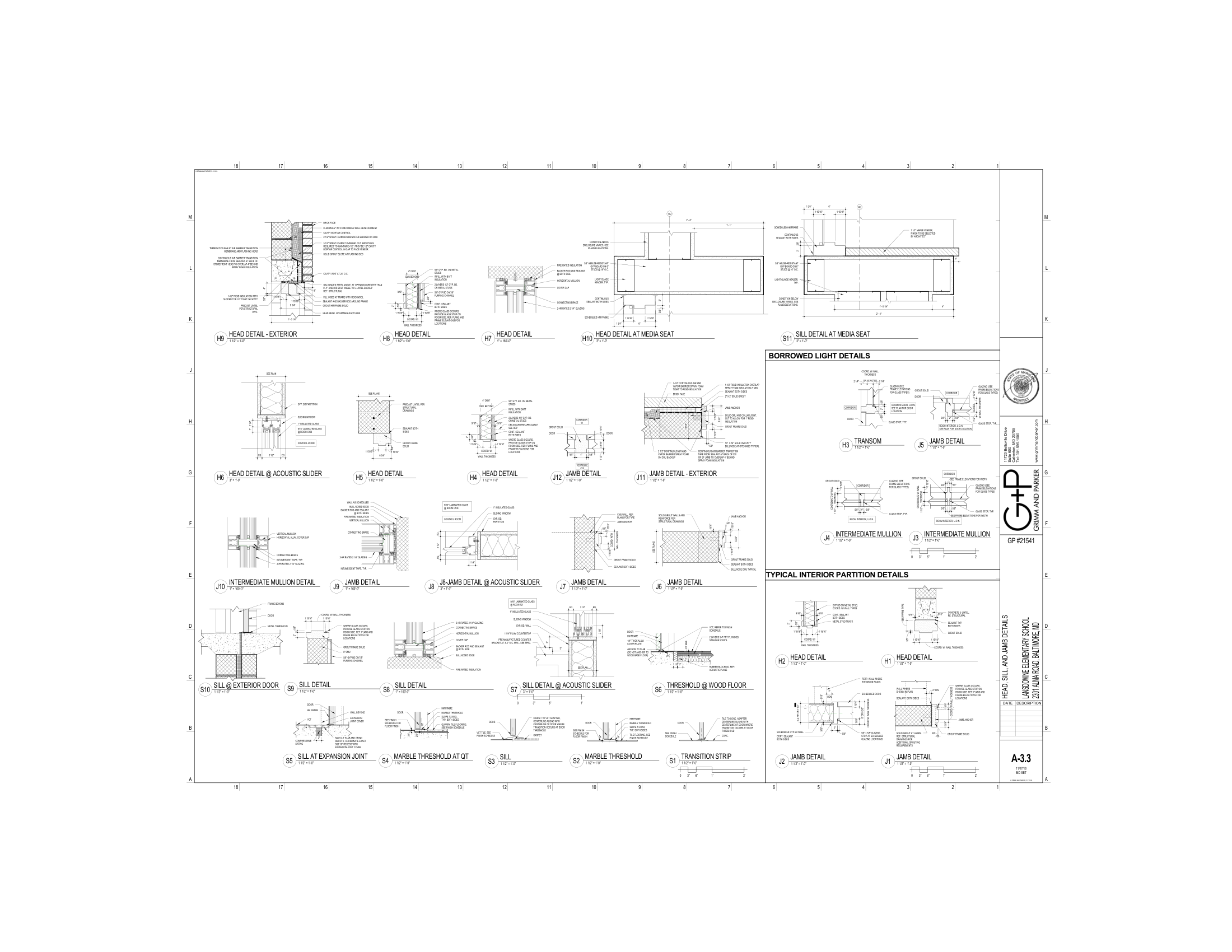
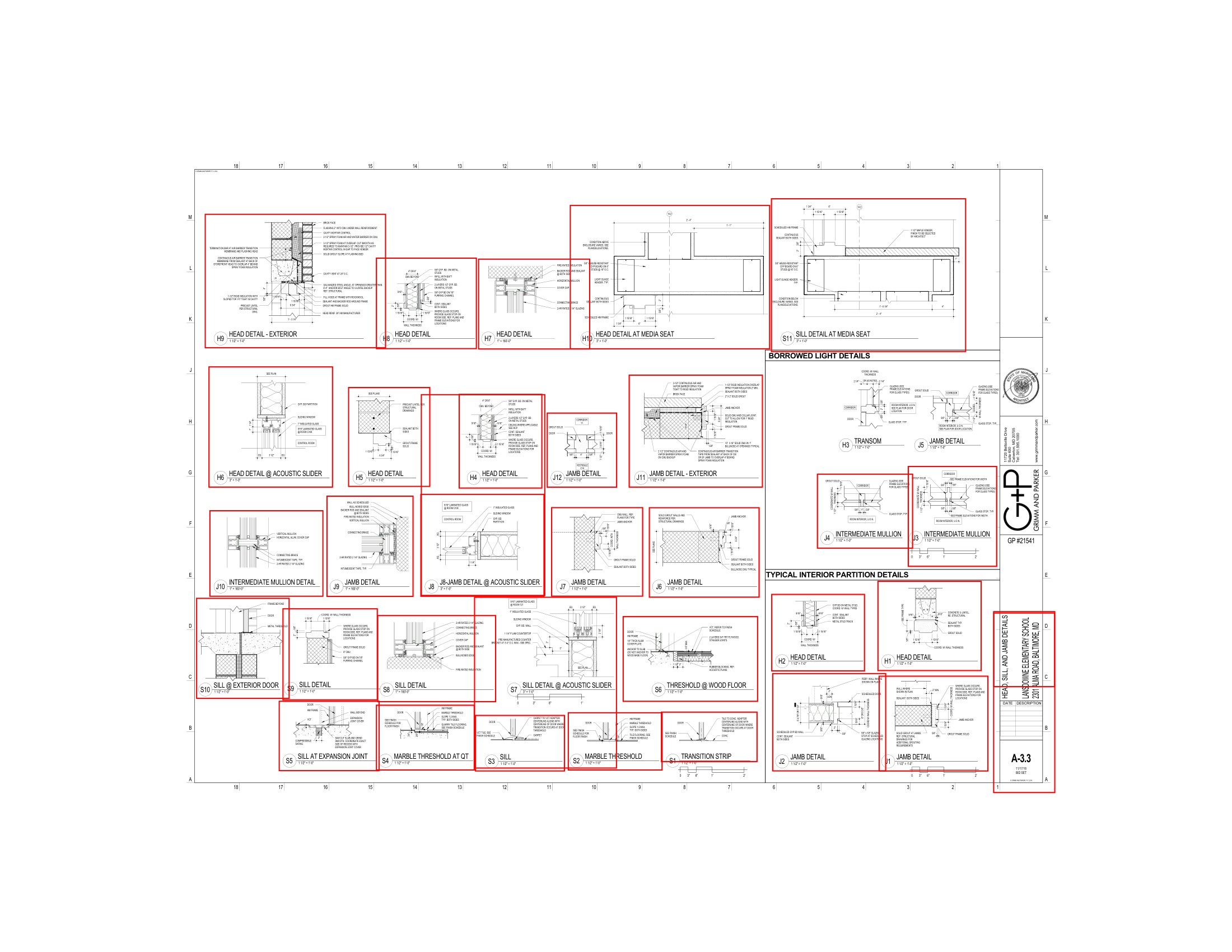
New to interior elevations? The elevation detection guide explains what the API finds and what you can build with the bounding boxes.
- Returns
- A job to check202 Accepted
- Usage
- Document indexingper page read
- Results in
- A list of elevationsresult.elevations
- Auth
- API keyX-API-Key header
Example
How it runs
- Send a
document_id - Get a
job_id - Check your results or receive a webhook
Request
document_id. Upload your PDF first.The document must belong to your account and have expires_at > now(). Body shape matches other drawing job endpoints (e.g. door detection).
| Field | Description |
|---|---|
document_idstring · UUIDRequired | From POST /v1/documents. Must be valid and not expired. |
page_numbersarray of integersOptional | 1-based pages to scan. Omit for full document. Out-of-range indices are skipped by the worker; usage still follows len(page_numbers) or page_count (or 1) — same counting rules as door detection. |
webhook_urlstring · URLOptional | Callback URL for the completed job payload. Honored on developer, pro, and enterprise only. |
| Header | Description |
|---|---|
X-API-KeyRequired | Your API key. A missing or invalid key returns 401. |
Content-TypeRequired | application/json |
len(page_numbers) when provided, else the document page_count (or 1). Keep indices valid — the worker skips out-of-range pages but they still count toward your usage.Responses
Poll GET /v1/jobs/{job_id} with the same API key until status is complete or failed.
| Field | Description |
|---|---|
job_idstring · UUID | Use this to poll for results. |
statusstring | queued on this response. |
poll_urlstring | Path only — prepend https://api.anchorgrid.ai to build the full URL. |
When status is complete and the job model is elevation-detector, result contains:
| Field | Description |
|---|---|
document_idstring | UUID of the source PDF. |
elevationsarray | Each item is an elevation region in PDF coordinates (after rotation handling in the worker). |
elevations[].idstring | ele_ + 12 hex characters. |
elevations[].pageinteger | 1-based page number. |
elevations[].bboxobject | Axis-aligned box: x1, y1, x2, y2. |
elevations_foundinteger | len(elevations). |
pages_analyzedinteger | Pages the worker actually scanned. |
model_versionstring | e.g. elevation-detector-v1.0.0 |
processing_time_msinteger | Wall time for inference. |
GET /v1/jobs does not run post-filters on stored results for elevation-detector — only door-detector is filtered in _apply_result_filters. Results are returned as stored.elevations[] object. There is no class label (e.g. exterior vs section) in the API payload — only boxes.Usage & rate limits
Document indexing, per page scanned (See pricing). Pages are counted the same way as door detection. Rate limit: tier RPM (job-submit bucket).
| Plan | When the allowance is used up |
|---|---|
trial | Trial allowance — 402 FREE_TIER_LIMIT_REACHED when used up, 402 TRIAL_ENDED once the trial is over. |
developer | Monthly allowance, then overage up to your overage limit — 402 OVERAGE_LIMIT_REACHED at the limit (429 QUOTA_EXCEEDED when the allowance is used up without overage billing). |
enterprise | No allowance check. |
Rate-limit 429s include retry_after_seconds. Quota vs RPM both use status 429 — inspect the error body.
Errors
| Status | What it means |
|---|---|
| 401 | Missing or invalid X-API-Key. |
| 402 | Trial allowance used up (same as doors). |
| 404 | Missing or expired document. Code may use DOCUMENT_NOT_FOUND; the Intelligence JSON body may still be genericized. |
| 422 | Bad JSON / invalid UUID / validation. |
| 429 | Rate limit or monthly quota. |
See also Errors for how HTTP exceptions map to client-visible envelopes.